Questions? Call us! (866) 226-5732
|
License troubleshooting
or or if you get the message below, continue with the steps that follow
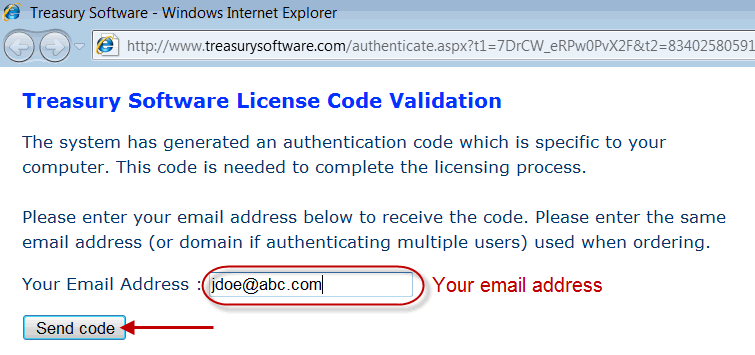
4. Enter your email address and click 'Send code'
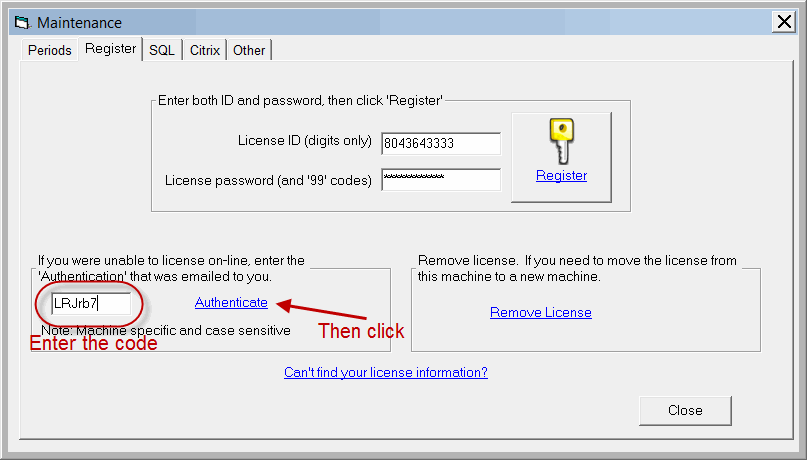
5. Check your email for an authentication code from Treasury Software Congratulations
  
Can't find what you need? Contact us online or at 866-226-5732 |