Downloading the Software

Contents

Download the Software
Ready to install? Please visit the following link to download the software.
http://www.treasurysoftware.com/download/index.aspx
On the download request page, enter your email address and select 'Positive Pay' - then click 'Submit'.
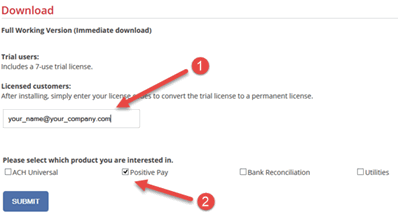
After entering your email address and selecting Positive Pay you will need to click on the download link.
Most users - click 'Run'.
If you have advanced needs, click 'Save'.
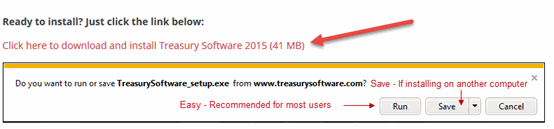
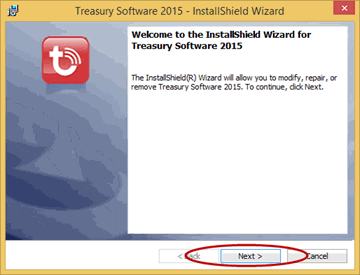
The installation process will start:
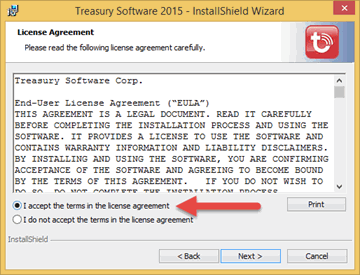
You will be prompted to Accept the terms of the license agreement before you can continue
Complete the InstallShield Wizard accepting the default settings until complete. The Treasury
Software icon will be saved on your Desktop
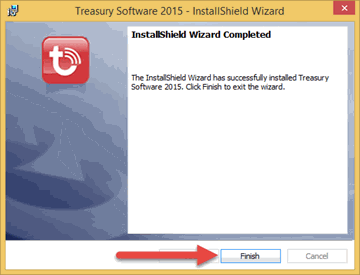
Congratulations. The software is installed.