
Our Software Integration Kit (SIK) enables you to automate most routine processes, such as importing files and creating and transmitting positive pay files.
No programming is required - just simply point and click.
The Software Integration Kit is devoted to end users (and others) who are looking to integrate Treasury Software applications into a seamless and automated process.
Our Software Integration Kit, unlike most automation development kits, is included directly in the software - and is available as a Graphical User Interface.
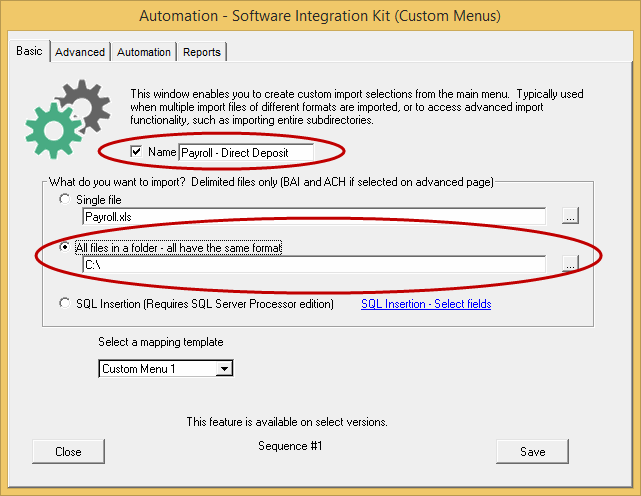
Treasury Software's SIK includes full automation tools to seamlessly:
· import any file
· import all files within a directory
· archive (move) the imported files
· preserve the audit trail of archived files (append the file name of each file with a date/time stamp to insure that each file is uniquely named in the archive directory)
· provide summary reporting
and, of course perform any Treasury Software core module process including:
· Positive Pay file creation
· Positive Pay file transmission
Three methods:
1. Scheduled - Set it to run as a scheduled task with your Windows Task Scheduler
Or - of course run it with any scheduler or batch command utility
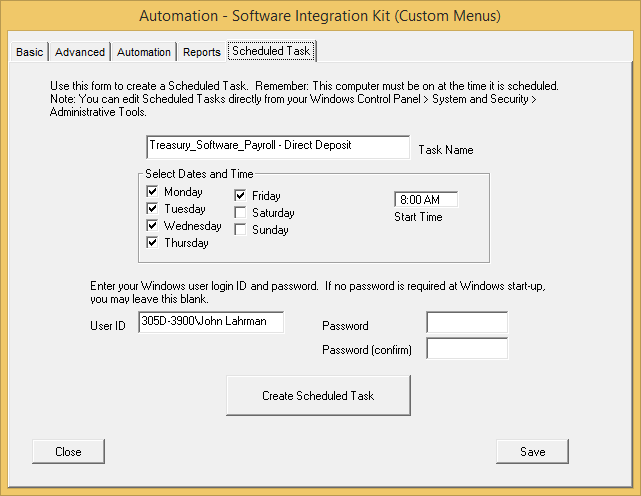
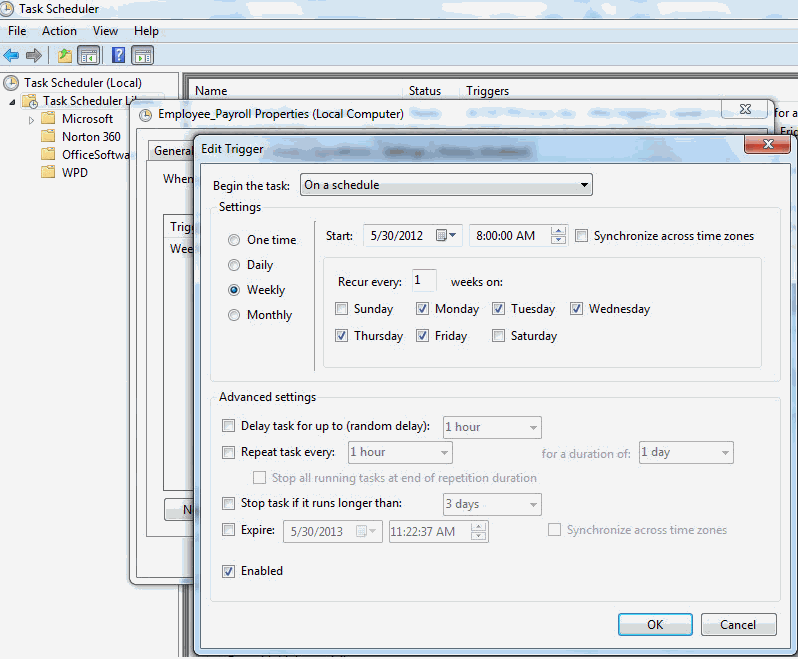
Have advanced needs?
Fully tweak the schedule from within Microsoft Windows Task Scheduler
2. Manual - As a desktop shortcut

Place the command line within a desktop shortcut and trigger it manually whenever you want.
3. Process - Within third-party software
Run the automation as part of another process. 'Shell-out' from any software application, or from any report generator and trigger Bank Positive Pay.
'Geek notes':






 SOC2, Type II
 (866) 226-5732

