

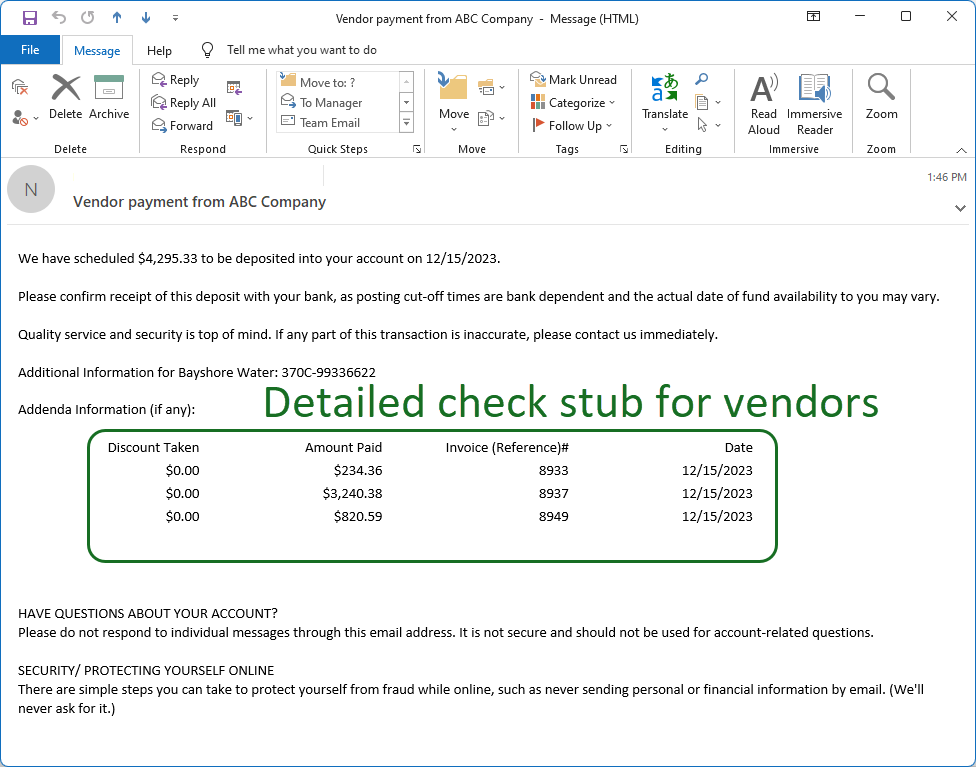

Automatically email the full check stub remittance information to your vendors and customers.
Works with Microsoft Outlook, Office 365, Gmail or any SMTP email server.
(Email requires either Corporate or Advanced edition)
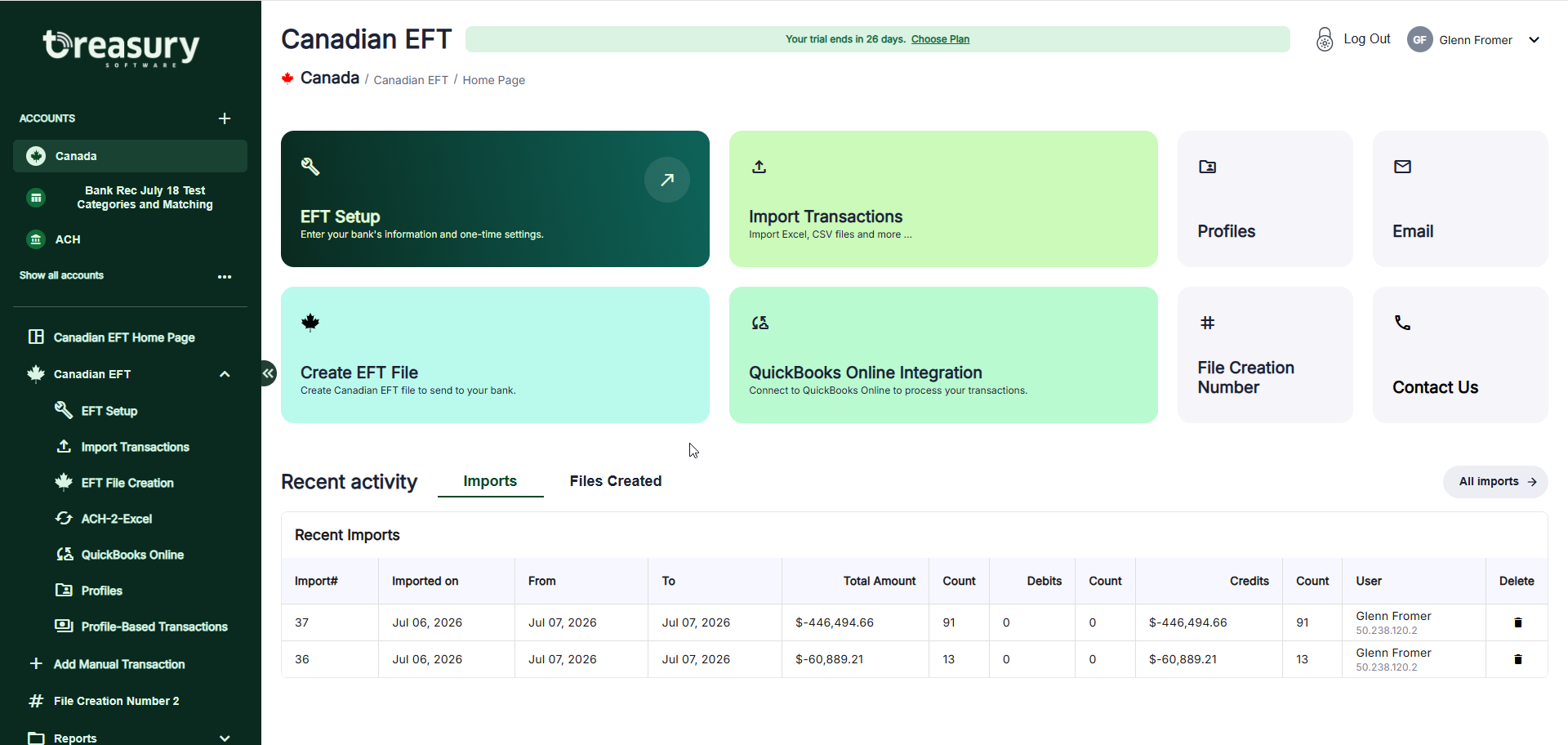

Quickly and easily create EFT files in Canadian Payments 1464 format.
Wizards include:


Free phone support is always included - whether you license or are simply trying our software. Our support team is here to help.
Our team can provide full phone, Zoom or ticket support to get you up and running.
Call (866) 226-5732 or schedule a call.




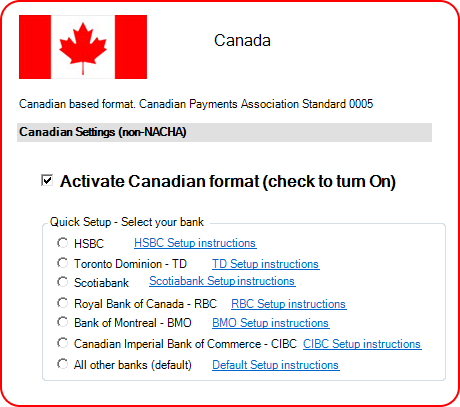
ACH Universal also supports the Canadian EFT 005, 1464 and 80 byte formats.

Easily create an EFT file, ready to upload to your bank.
Our EFT software is updated regularly to insure compliance with all regulations and is 100% compatible with your bank.
Start a full free working trial now to test with your bank.

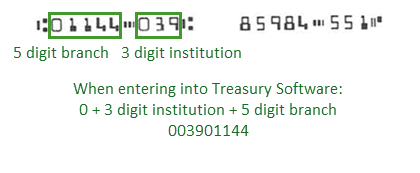
Q: How do I enter my Branch and Institution numbers (ie. I don't have an ABA number)?
A: You can enter your 9 digit code by entering a:
'0' + your 3 digit institution + followed by your 5 digit branch.
For example, if an employee hands you a voided check - you can take the information from the bottom of their check as:
Q: Do you have videos or help available?
A: Yes, we have a full video and help library available, as well as phone support to get you up and running
Intuit and QuickBooks are registered trademarks of Intuit Inc. Used with permission.






 SOC2, Type II
 (866) 226-5732

